
How it works
The system, explained once.
A correct mental model of the Sentor platform in under two minutes — for the plant manager and the network engineer alike.
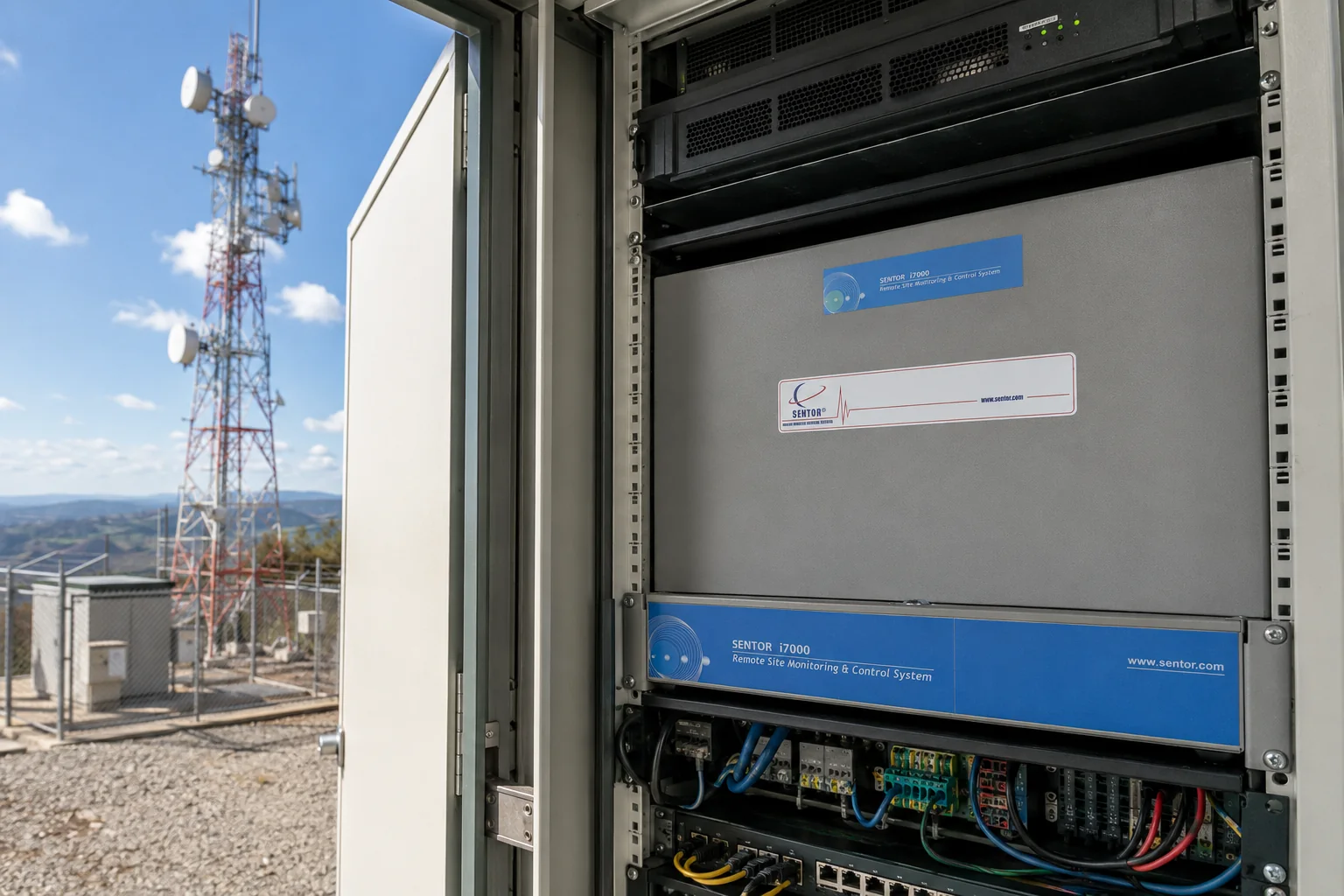
Step 1
Sense
Devices at the site feed readings into the controller.
Step 2
Decide
The ST3000 evaluates each reading against a programmed scenario, on-site.
Step 3
Act
Triggers relays, alarms or notifications immediately, and logs the event.
Step 4
Report
Data syncs to SitePRO, SenTrend or SentorCloud over your chosen connection.
Scenario programming — the “brains”
Every Sentor controller can run independently. Using SitePRO you program scenarios — if-this-then-that logic written as plain English statements and stored directly on the controller — so a site keeps working exactly as intended even when it loses its connection back to base.
That is why the processor matters. The decision about whether a reading is a fault, and what to do about it, is made at the site in milliseconds, not at the far end of a link that may not be up.
When things go wrong
What survives a power failure
Most of the value in remote monitoring is realised on the day the site has a bad night. So the useful question is not what the system does when everything is working — it is what is still true at each stage as things fail.
| Situation | What happens | Detail |
|---|---|---|
| Mains present | Normal operation | The controller runs and reports as configured |
| Mains fails | Standby battery takes over | An optional sealed lead-acid standby battery keeps the controller running for up to 24 hours |
| Site has its own supply | Solar, wind, generator or battery bank | Each of these can itself be monitored and controlled by the same controller |
| Everything fails | On-board lithium cell holds state | User programs, the history log and the real-time clock are all retained |
| Power returns | Automatic restart | The controller starts itself, with its history and programming intact. Nobody drives out |
The last row is the one worth reading twice. A controller that loses its programming in an outage turns a power cut into a site visit; one that does not, does not.
The software
What you actually look at
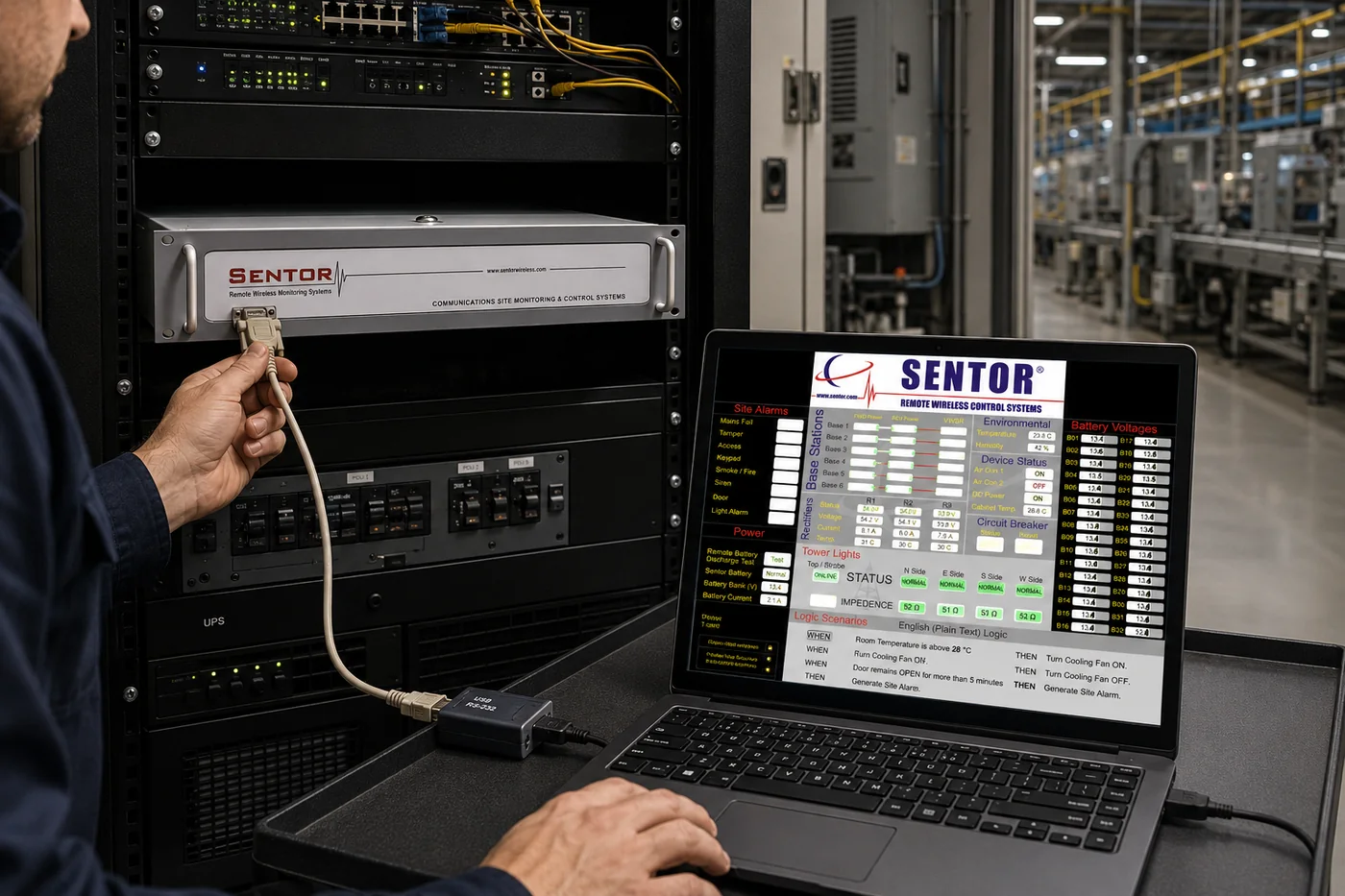
SitePRO — scenario programming
Logic is written as plain English statements rather than code, so the person who understands the site can write the rules for it.
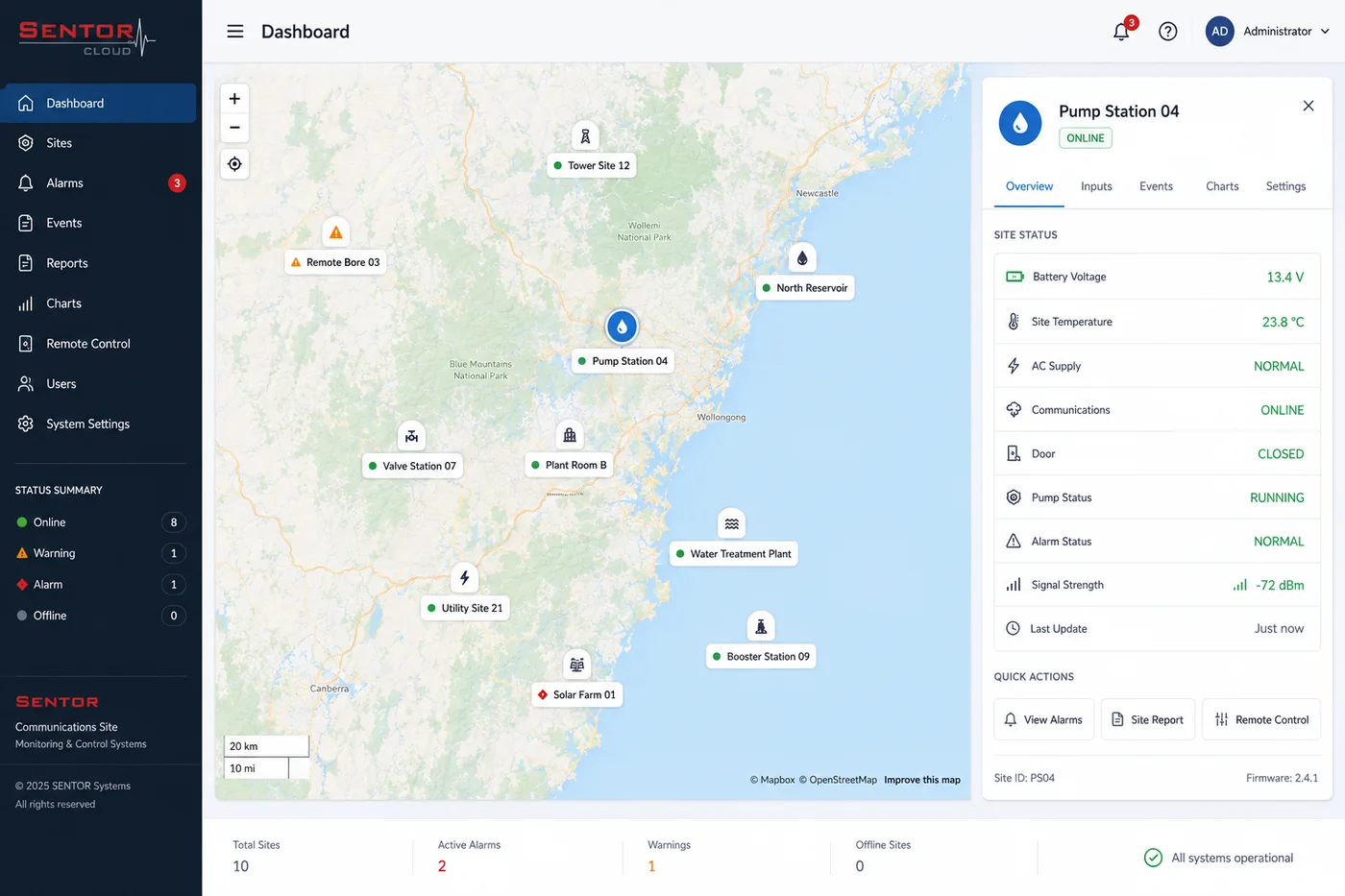
SentorCloud — every site on a map
Sites appear as markers; selecting one pans to it and opens its readings, from any internet-connected device.
Connectivity
Built for wherever your site is.
Not every site has reliable internet. Sentor connects however yours does — and different sites on the same network can use different methods.
Cellular
3G/4G, always-on, static IP — best for sites with mobile coverage. GSM, GPRS and CDMA bearers are supported.
Ethernet / IP
Direct TCP/IP connection over LAN, internet, fibre optic or DSL — best for sites already on a network.
Radio & microwave
RF modem or microwave link — best for remote sites with no cellular coverage.
Satellite & landline
Satellite backhaul where nothing terrestrial reaches, and dial-up where a phone line remains the most reliable option.
Whatever the bearer, the controller keeps running its scenario logic on site. The link determines how quickly you hear about an event, not whether the site handles it.
The record
The log is written at the site
Each entry carries a date and time, and the log is a general record — alarms, power failures, access events and anything else configured as worth recording — so an event is read in context rather than in isolation. The size is user definable.
A controller running standalone holds around 500 entries. Connected to a PC, up to 1,000 are kept across two rotating log files, with the oldest overwritten beyond that. Because the log lives on the controller, the hours when the site was out of contact are exactly the hours you still get back.
Supervised inputs
Alarm and tamper inputs use end-of-line resistors, so the controller distinguishes a closed contact, an open contact and a cut or shorted cable. Silence and safety are not the same reading.
Common questions
How the system works, answered
What actually happens when a site loses its connection?
Very little, from the site’s point of view. The scenario logic that decides what to do about a reading is stored on the controller and runs there, so the site keeps sensing, deciding and acting exactly as programmed. What you lose is visibility, not control. Events continue to be written to the history log at the site with a date and time against each one, so when the link returns you receive the period you were blind to rather than a gap.
And if the site loses power as well?
An optional sealed lead-acid standby battery keeps the controller running for up to 24 hours after a mains failure. Where the site has its own supply — solar, wind, a generator or a battery bank — that supply can carry the controller too, and each of those systems can itself be monitored and controlled by the same controller. If power fails completely, an on-board lithium cell retains the user programs, the history log and the real-time clock, and the controller restarts itself when power returns with its history and programming intact. That last detail is the one that matters operationally: a total outage does not become a site visit to reprogram the controller.
How is the scenario logic written, and by whom?
As plain if-this-then-that statements in SitePRO, rather than as code. That is a deliberate choice: the person who understands the site — what the generator does in summer, which door is used by contractors, what a normal reading looks like at 3 a.m. — is usually not a programmer. A scenario can test several conditions together, act on relays, raise alarms, send notifications and write to the log, and it is stored on the controller rather than on a server.
How accurate are the readings, and how many can one site have?
Analogue conversion is 9-bit at up to 20 samples per second, with accuracy better than 0.5%. Inputs accept 0–20 mA current loops — covering the 4–20 mA transmitters fitted to most equipment — along with 0–1 V, 0–10 V and 0–30 V instruments, linear and non-linear curves, and direct temperature probes. A controller reaches up to 80 inputs by adding ST317 expansion cards, and carries eight SPCO relay outputs rated at 1 A at 48 VDC for switching equipment.
How do alarms actually reach a person?
By whichever route the site has. Data and alarms travel over cellular, wireless, satellite, telephone, microwave or fibre, and an alarm can be sent as an SMS text over a cellular network as well as appearing in the software. Different sites on the same network can use different bearers, which matters when one site has fibre and the next has nothing but a satellite footprint.
You do not have to be the one watching it.
Sentor can monitor your sites around the clock and notify the right person when something changes — the same platform, with the monitoring seat staffed by us.